How to Keep Documentation Up to Date
How to keep documentation up to date: tie every doc to the code it describes, flag what a release made stale, and fix it in the same PR.
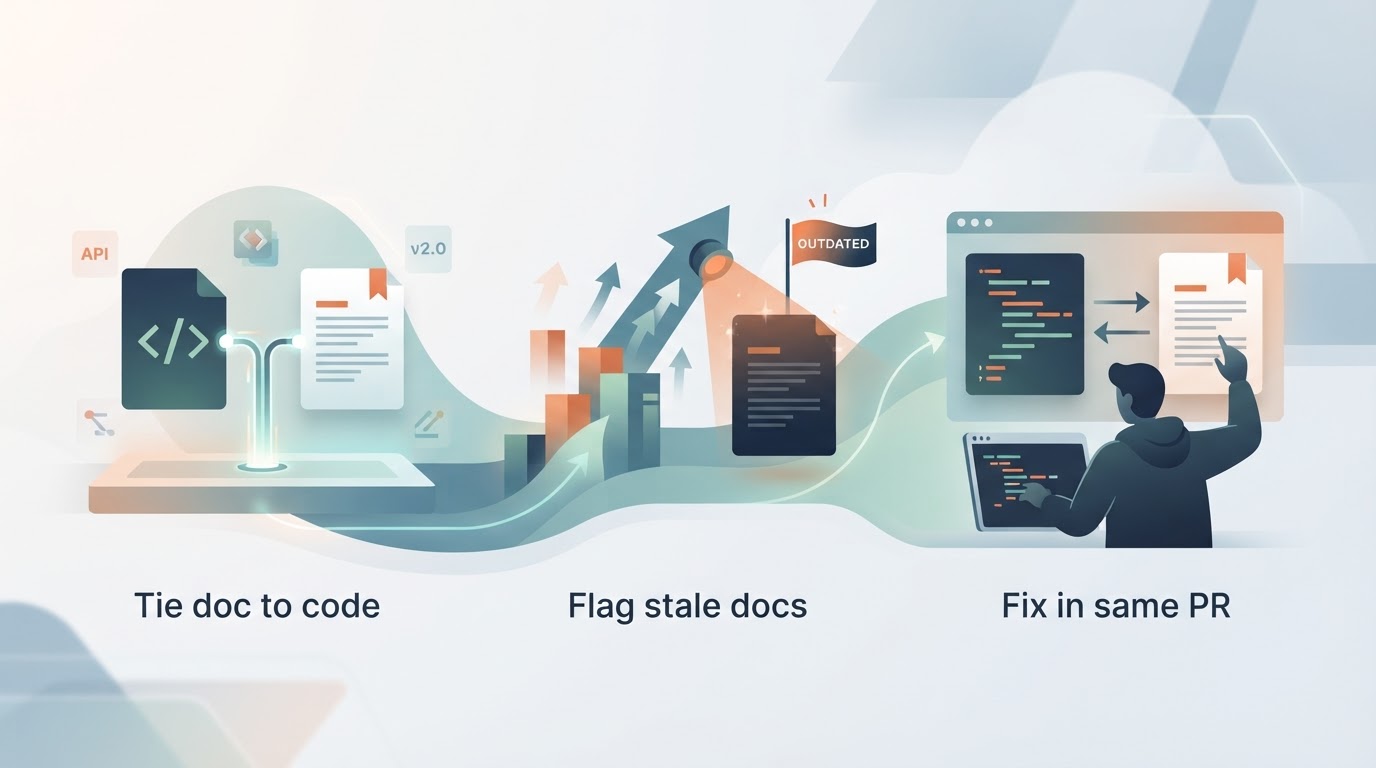
Keeping documentation up to date is mostly a scheduling problem, not a writing one. Docs go stale because nothing in your process notices when the code they describe changes, so the update lands in a backlog nobody owns. The fix is to tie each doc to the thing it describes and make the check part of the release, not a separate chore.
Most advice on this stops at "assign an owner" or "review quarterly." That helps, but it misses the part that actually decides whether your docs stay current: the moment a change ships. If the update isn't triggered there, it won't happen.
What are the four C's of documentation?
The four C's are usually given as clear, concise, complete and correct. Three of those are writing choices you make once. Correct is the one that decays, because it depends on the code, and the code keeps moving. Treat correct as a maintenance property, not a style rule: it needs a trigger, not a better first draft.
What are the 5 W's of documentation?
The 5 W's are who, what, when, where and why. For a doc page, the useful reading is: who this is for, what it does, when to use it, where it lives, and why it works that way. The why is the part that ages best, because intent changes slower than implementation. Write the why down and a stale page is still partly useful while you fix the rest.
What is the best way to organize documentation?
Organize by what changes together, not by team or by tool. A page about a feature should sit next to the code for that feature, so a reviewer sees both in the same diff. Reference material that mirrors the code belongs in the repo. Process docs and onboarding notes belong somewhere a non-engineer can edit. The split that matters is live versus historical: keep the pages you maintain separate from the ones you keep for the record, and archive the rest instead of leaving them to rot in the main tree.
A simple structure that holds up:
- In the repo, next to the code: API references, config docs, anything that names a function, flag or endpoint.
- In a wiki or docs site: onboarding, process, decisions, anything a non-engineer needs to read or edit.
- In an archive: meeting notes, old designs, anything written once and never updated. Move it out of the way so nobody mistakes it for current.
What are the 5 principles of good documentation?
Five that survive contact with a real release cycle:
- Write at the level that changes slowest. Document modules and user tasks, not every button. A page that describes each field breaks when the UI moves.
- Keep it next to the code. If the doc lives in the same repo as the thing it describes, the update can ride along with the change.
- Make the check part of the release. A reviewer should be able to see, in the diff, whether the docs still match.
- Answer with a link. When someone asks how something works, send the page. If it's wrong or missing, fix it right then. This is how the habit spreads without a mandate.
- Delete or archive without guilt. A wrong page costs more than a missing one, because people trust it.
Make the release the trigger
The pages that rank for this topic cover ownership, consolidation and moving docs into the repo. What they skip is the trigger. A quarterly review is a calendar event; a release is a fact. You want the second one to raise its hand.
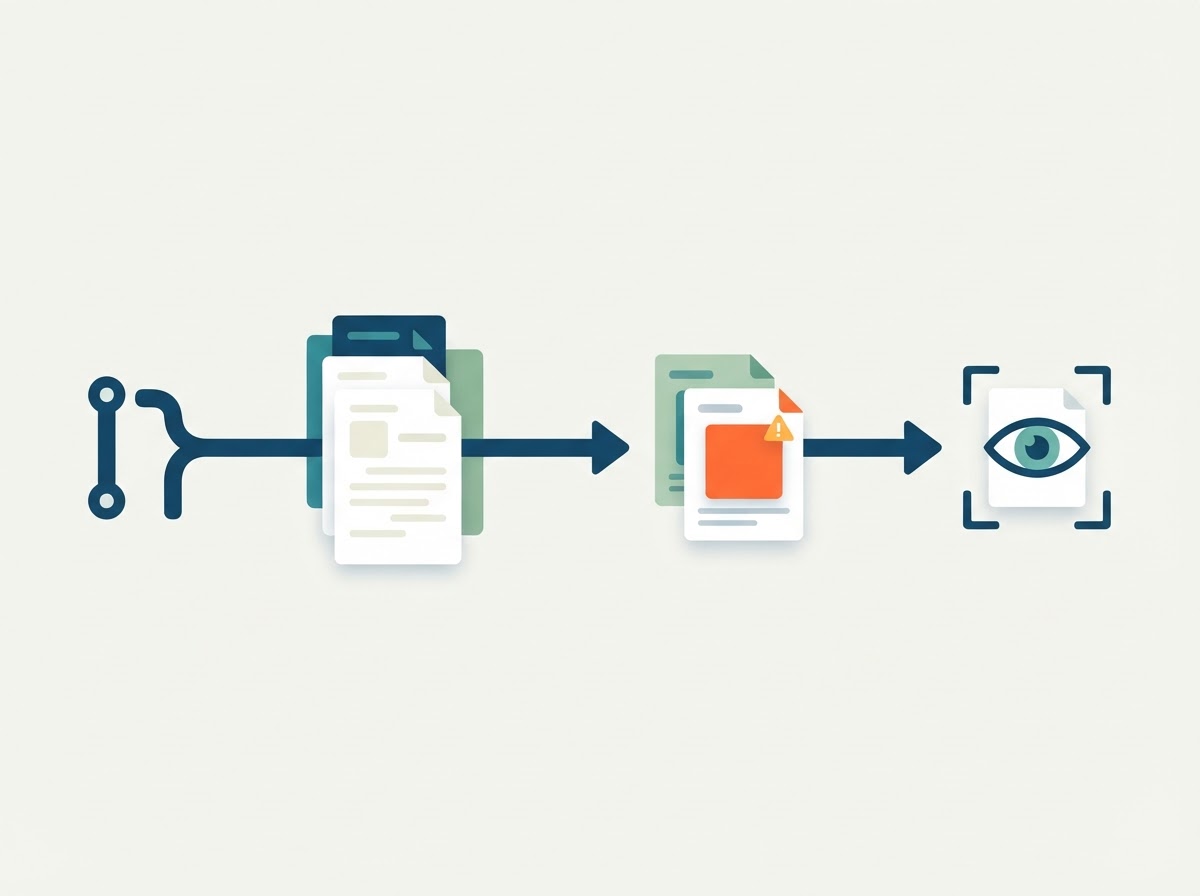
A workable loop:
- A change merges.
- Something checks which docs mention the changed files, endpoints or flags.
- Those pages get flagged as possibly stale, with the reason.
- A fix is drafted, and a human approves or rejects it.
Step 2 is the one most teams never build. It's also the one that turns "we should update the docs" into a short list of specific pages.
A real example
Outcry is a hosted marketing tool for founders who build with coding agents. Its own docs checks run as part of the shipped-work feed: when a release lands, the docs a release made stale are flagged and a fix is drafted, and the draft waits for approval before anything goes out. That's the same loop above, run on the product's own repo. The point isn't the tool, it's the shape: the release raises the flag, a person decides.
If you're doing this by hand, you can get most of the way with a grep in CI. Search the docs for the names of the files, routes or flags in the diff, and fail the check with the list of pages that mention them. It's crude and it works. The pages it surfaces are the ones a human should look at before the release goes out.
What to do this week
- Pick one repo and one docs folder. Don't reorganize everything.
- Move the reference pages that mirror the code into the repo, next to the code.
- Add a check that lists docs mentioning the changed files, and print it in the PR.
- Archive the pages nobody maintains. Move them to an archive folder rather than deleting them.
- Start answering questions with links, and fix the page when the link is wrong.
The goal isn't perfect docs. It's a short, visible list of pages that a release probably made stale, small enough that someone actually fixes them.